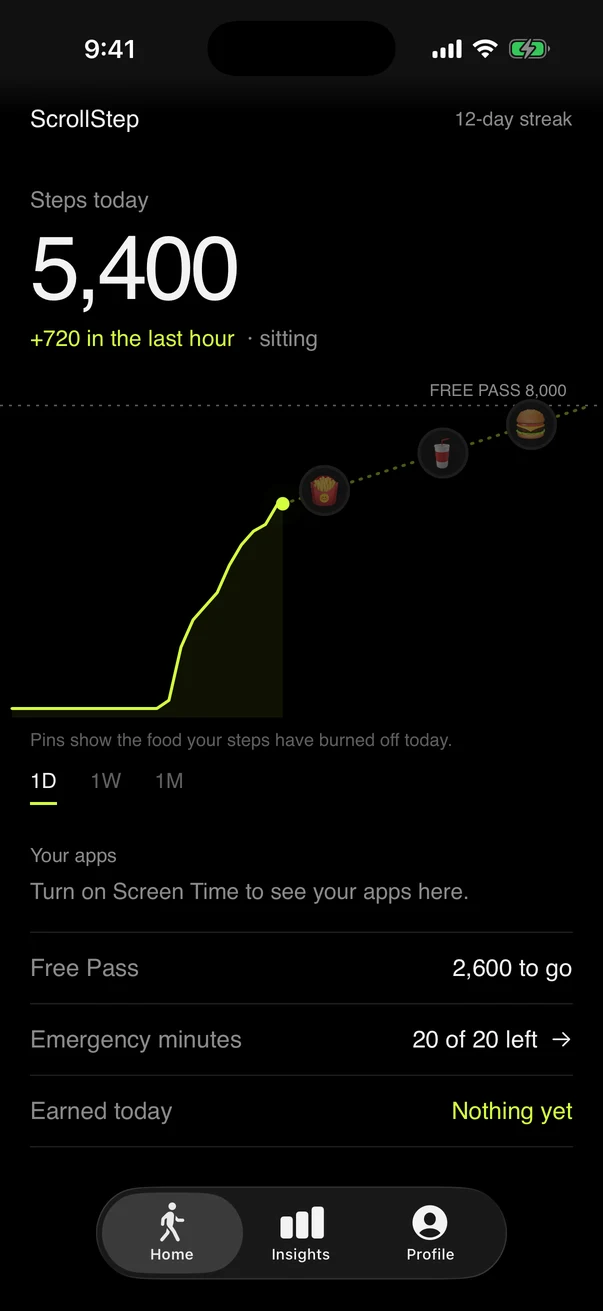
Keep walking,keep scrolling.
Scroll as much as you like while you’re moving. Your apps stay open the whole time.
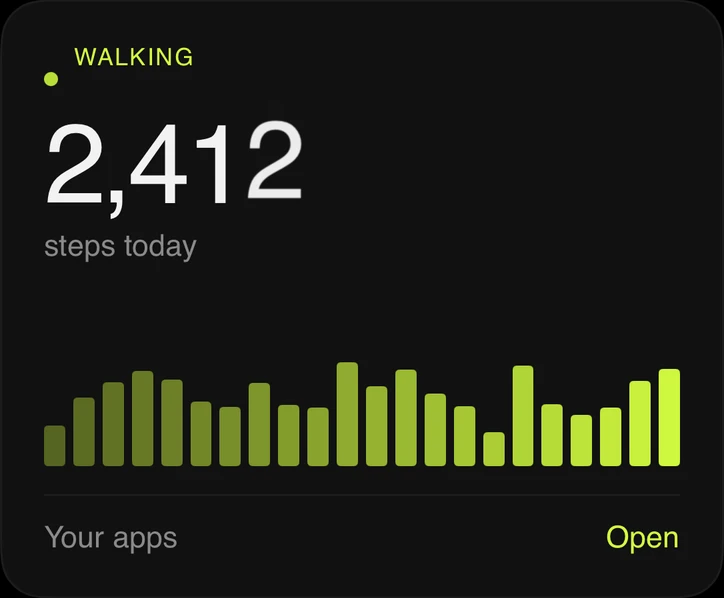
Walk while you scroll
ScrollStep keeps your apps open while you’re on your feet. Sit and scroll too long and they pause, until you walk a few steps.
Not another app blocker
You don’t have to give up your feed. You just can’t sit on it forever. Walk while you scroll and nothing ever pauses.
How it works
Scroll as much as you like while you’re moving. Your apps stay open the whole time.
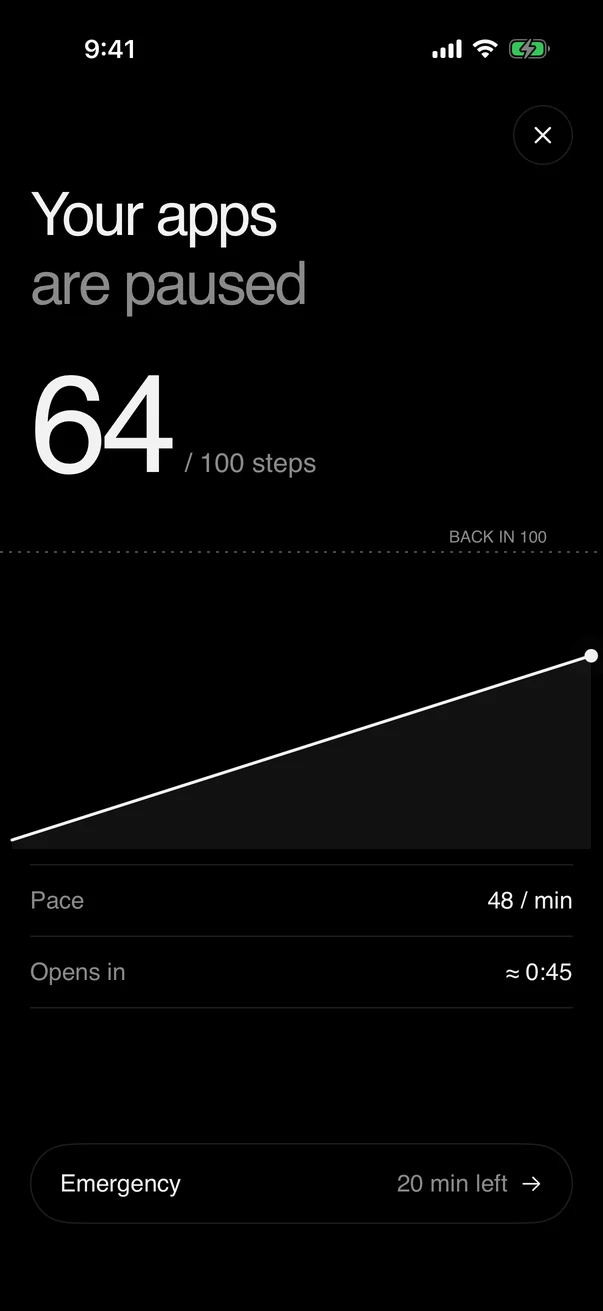
Time is shared across every app you pick, so switching apps doesn’t reset it.
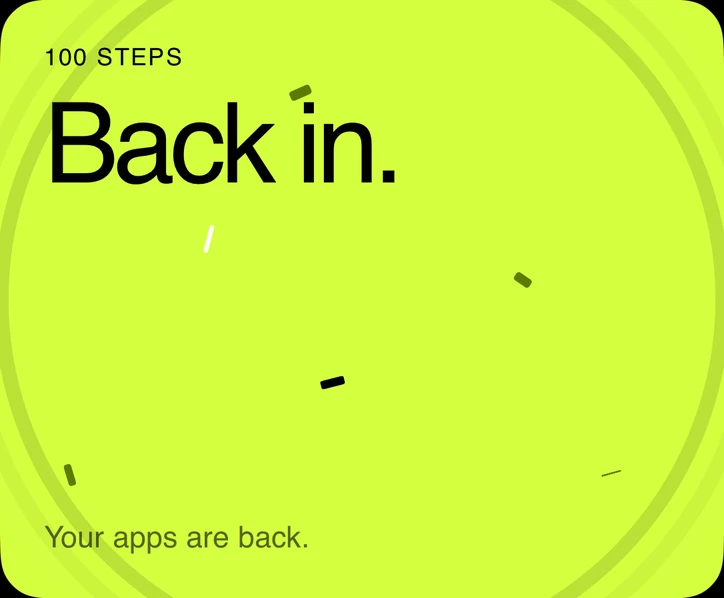
Walk 100 steps, or your own number, and your apps reopen on their own. No need to open ScrollStep.
The pause screen
When your apps pause, you get a line that makes you smile instead of feel bad. Tap Start walking and a live counter opens them the moment you’re done.
“The algorithm can wait. Your legs can’t.”
One of 50 pause-screen lines. Prefer it straight? Switch to motivational or plain.
Hit your goal
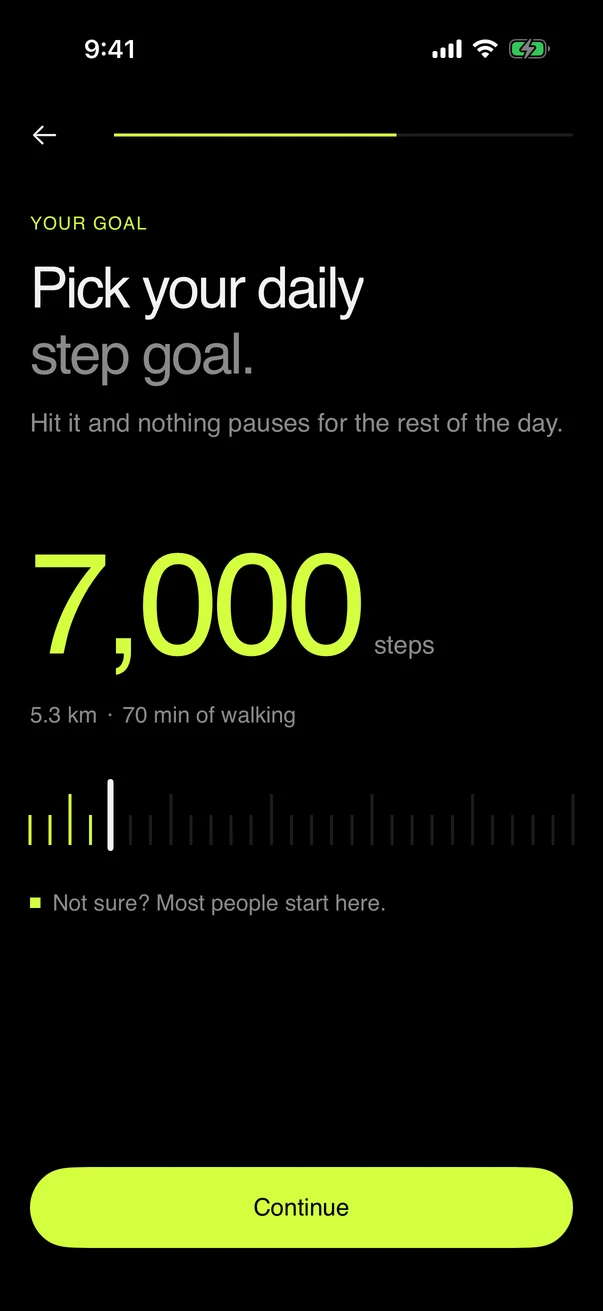
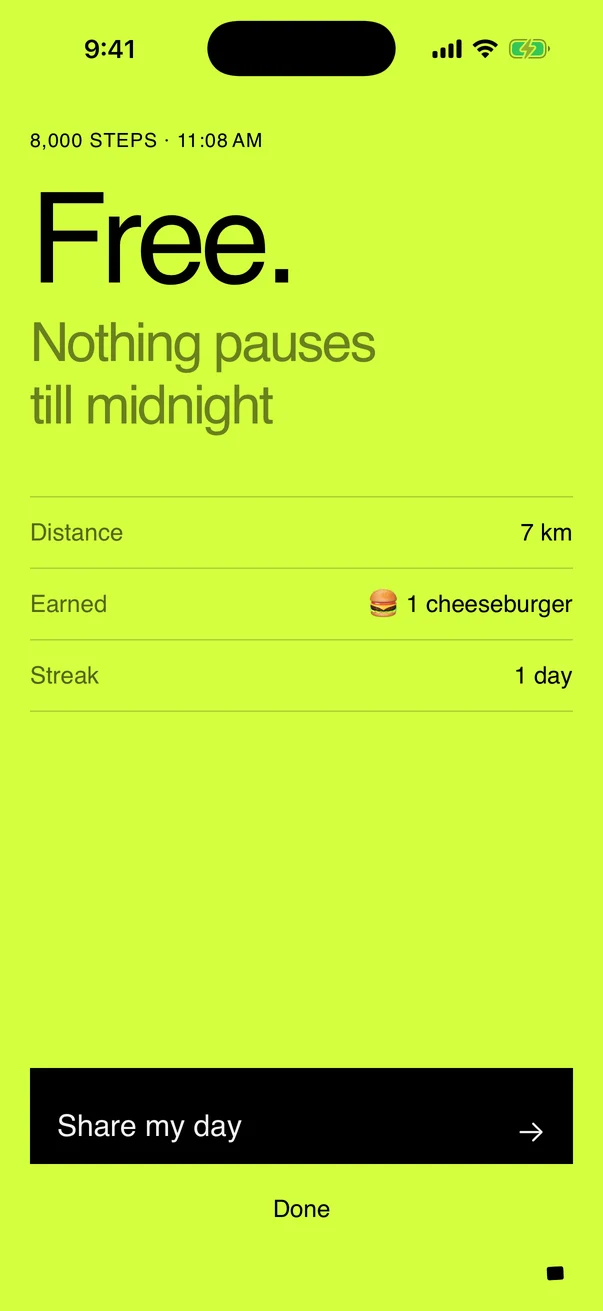
Reach your daily step goal and you get a Free Pass: nothing pauses until midnight. Pick any goal from 3,000 to 30,000 steps.
What you get
50, 100, 200 or 500 steps to get back in, or any number you like. Changes apply from the next pause.
For when you really need an app right now. The clock only runs while you sit.
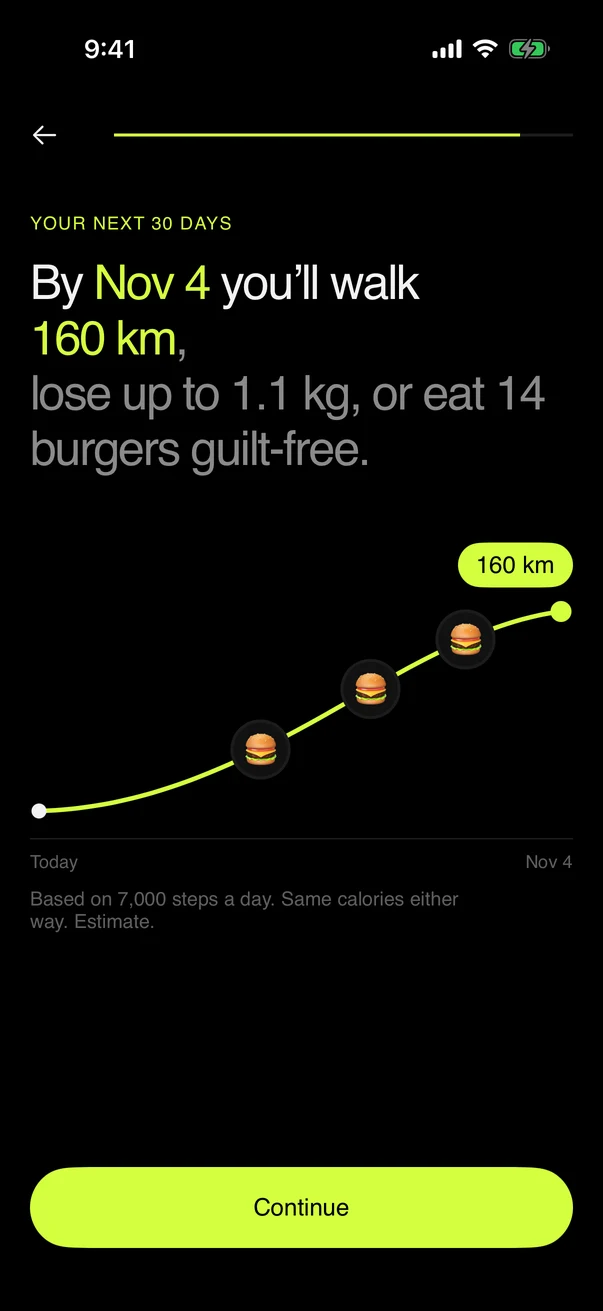
See what your steps earned in the unit that keeps you going: food, distance or minutes on foot.
Walk the steps and your apps come back by themselves, even if you never open ScrollStep.
Connect Apple Health and your Watch steps count too, never twice.
Apple’s Screen Time keeps what you do in apps on your phone. We never see it.
Inside the app
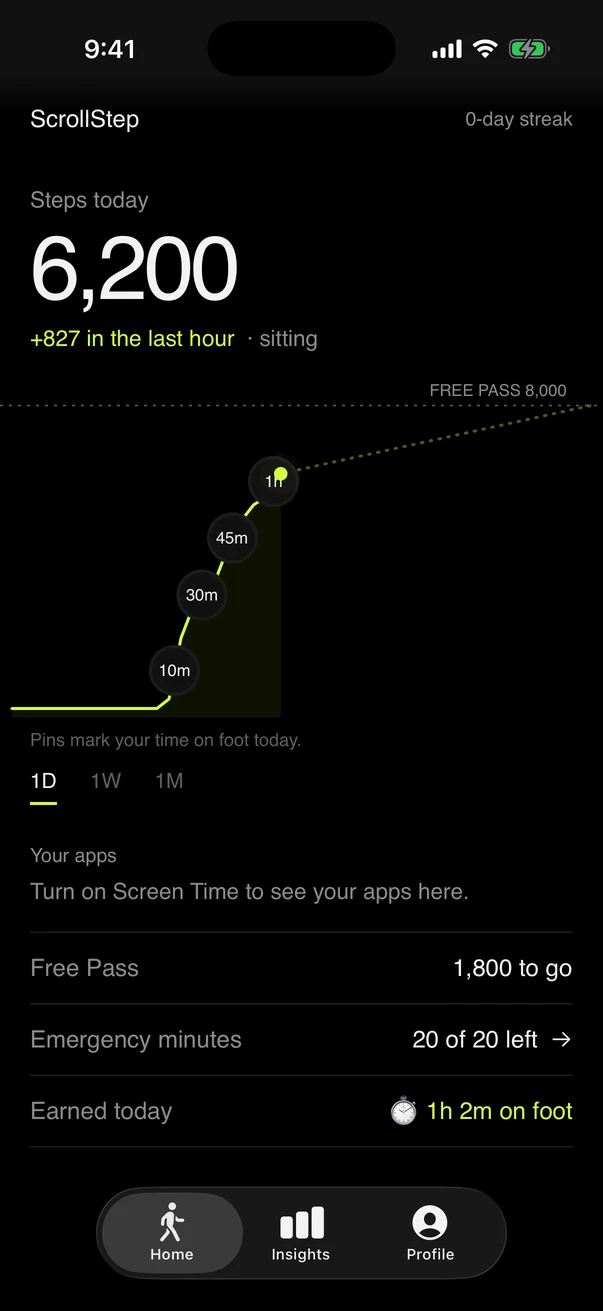
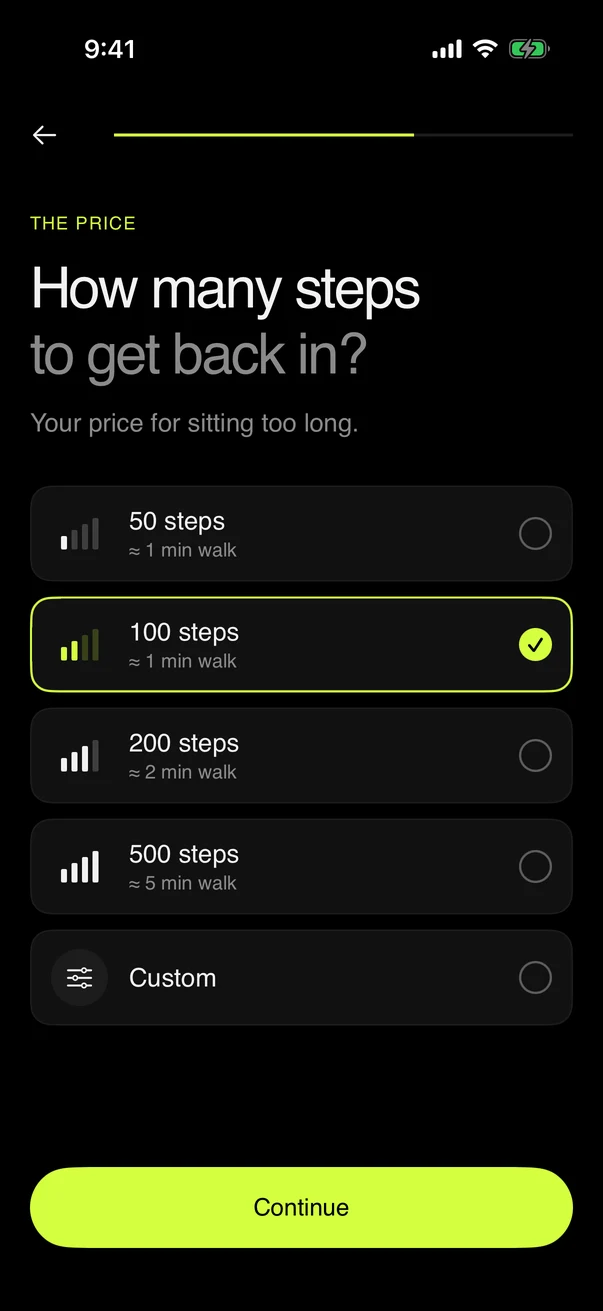
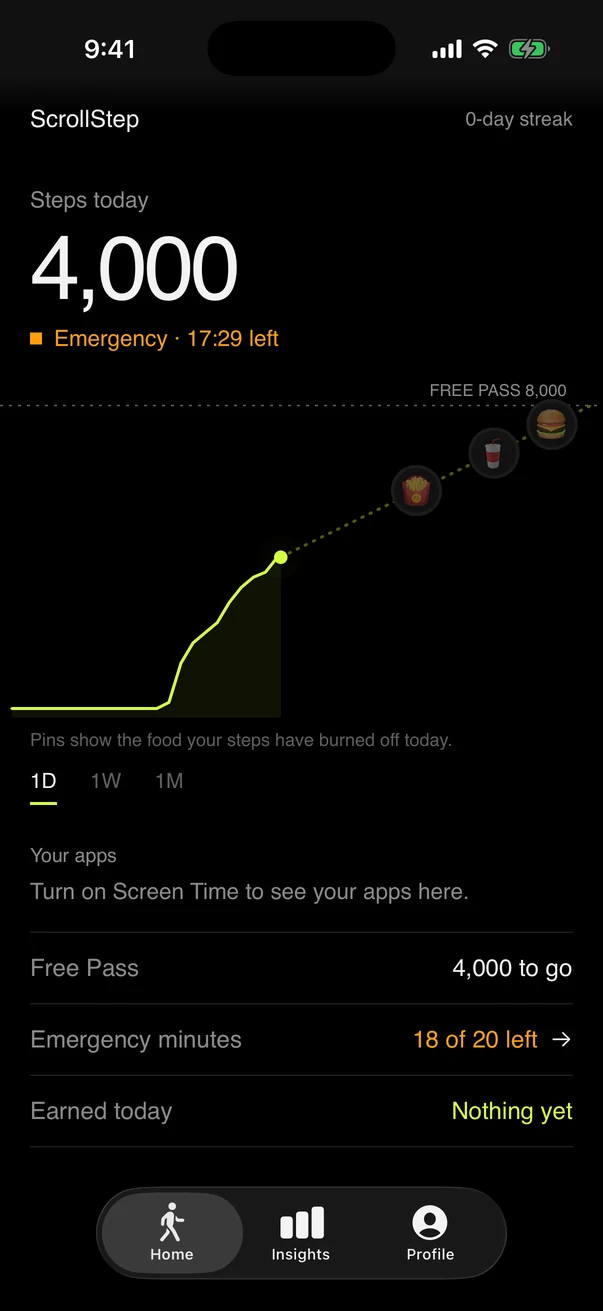
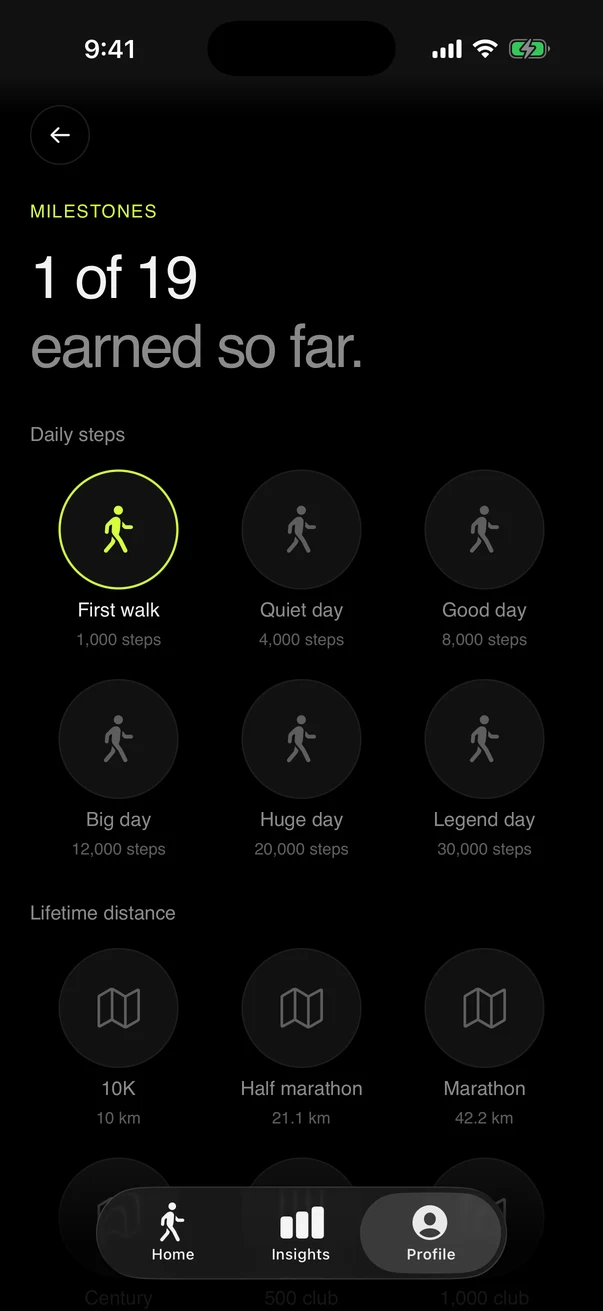
Your scroll, in steps
Move the slider to your daily scrolling. Here’s what a year looks like if you spend just a quarter of it on your feet.
In a year
1,252km
Approximate: 100 steps a minute, 0.76 m a step, 0.04 kcal a step for a 70 kg adult, and a 300 kcal cheeseburger. The same maths as the app.
ScrollStep uses Apple’s Screen Time framework. We never see your messages, what you browse or which apps you open. No ads, and we don’t sell data.
FAQ
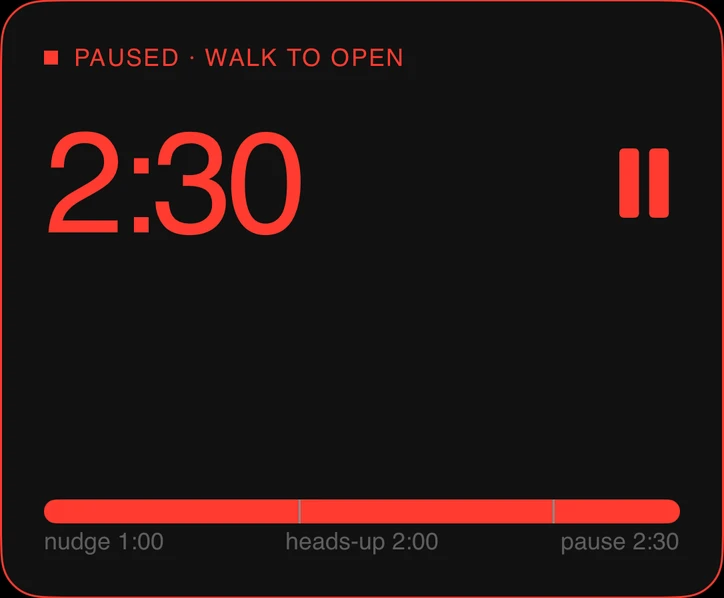
Not the way app blockers do. Nothing is off-limits and there’s no daily time cap. Your apps only pause after about 2½ minutes of sitting and scrolling, and a short walk brings them back, usually without even opening ScrollStep.
Walk the number of steps you chose, 100 by default, and they reopen on their own. The time is shared across your picked apps, so switching from one to another doesn’t reset it.
Hit your daily step goal and nothing pauses for the rest of the day.
You get 20 emergency minutes a day. Start them from the pause screen or the app and your apps open straight away. The clock only runs while you’re sitting.
No. Apple’s Screen Time framework gives ScrollStep only anonymous app tokens and usage totals, shown inside a sandboxed view. We never see your messages, what you type, what you browse, or which apps you use. That data never leaves your phone.
Your iPhone’s motion sensor. Connect Apple Health and your Apple Watch steps count too, without double counting.
No. Signing in with Apple or Google is optional. It backs up your progress and turns on invites.
More in the full FAQ or write to support@scrollstep.com.
ScrollStep is coming soon to the App Store, for iPhone with iOS 17 or later.